
Friend Referral Tutorial (Web)
1. Access the Referral Page
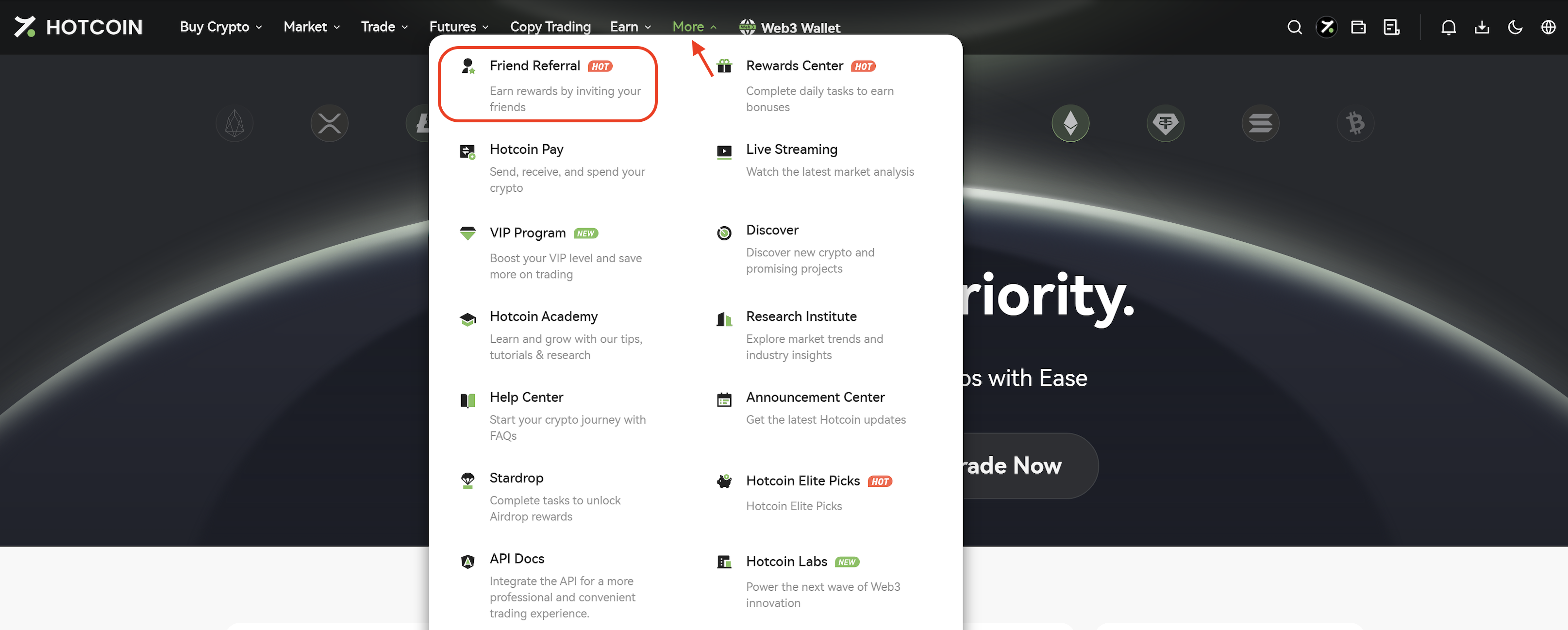
After logging in to the Hotcoin website, click More in the top navigation bar and select Friend Referral to access the referral page.
2. Invite Friends
You can invite friends to create a Hotcoin account using any of the following methods:
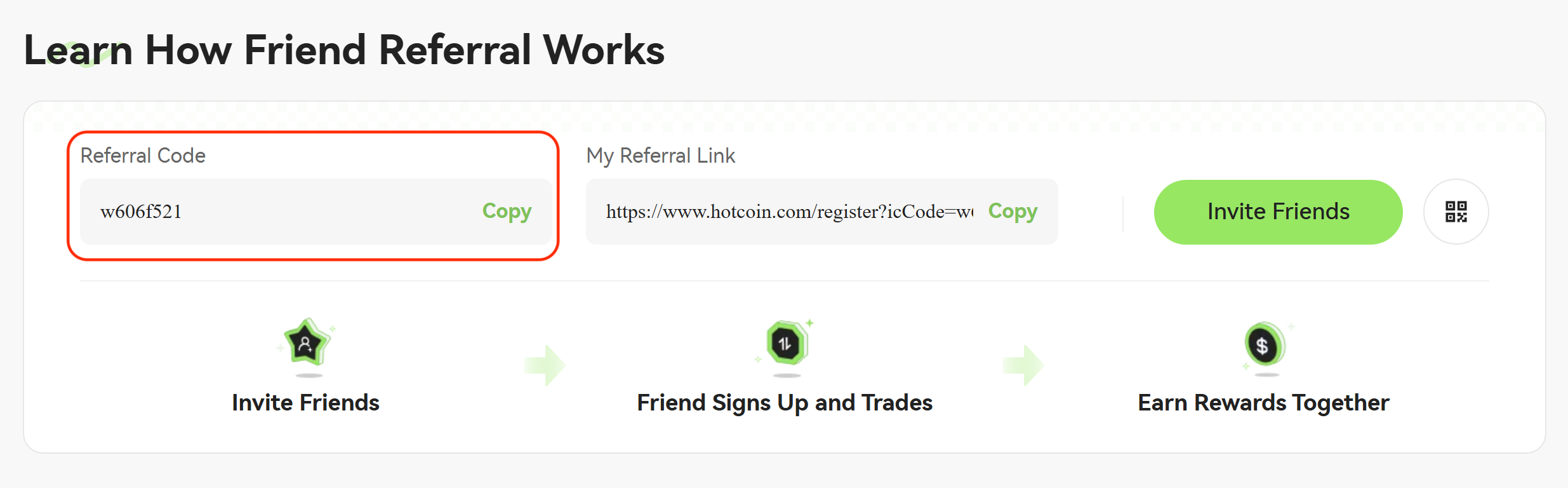
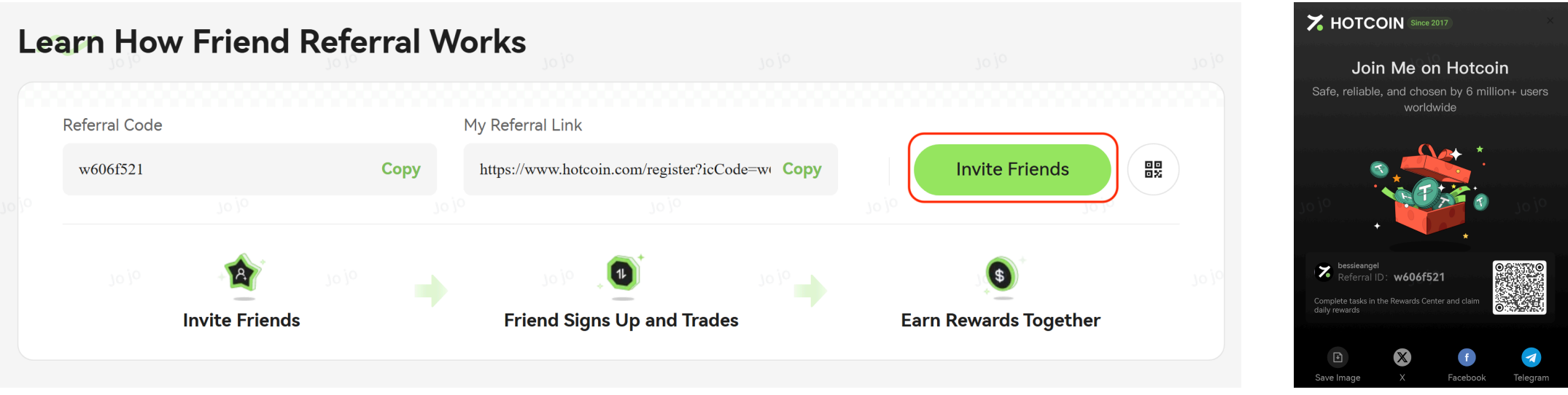
Method 1: Share Your Referral Code
Send your referral code directly to your friends. They can enter the referral code during registration to link their account to yours.
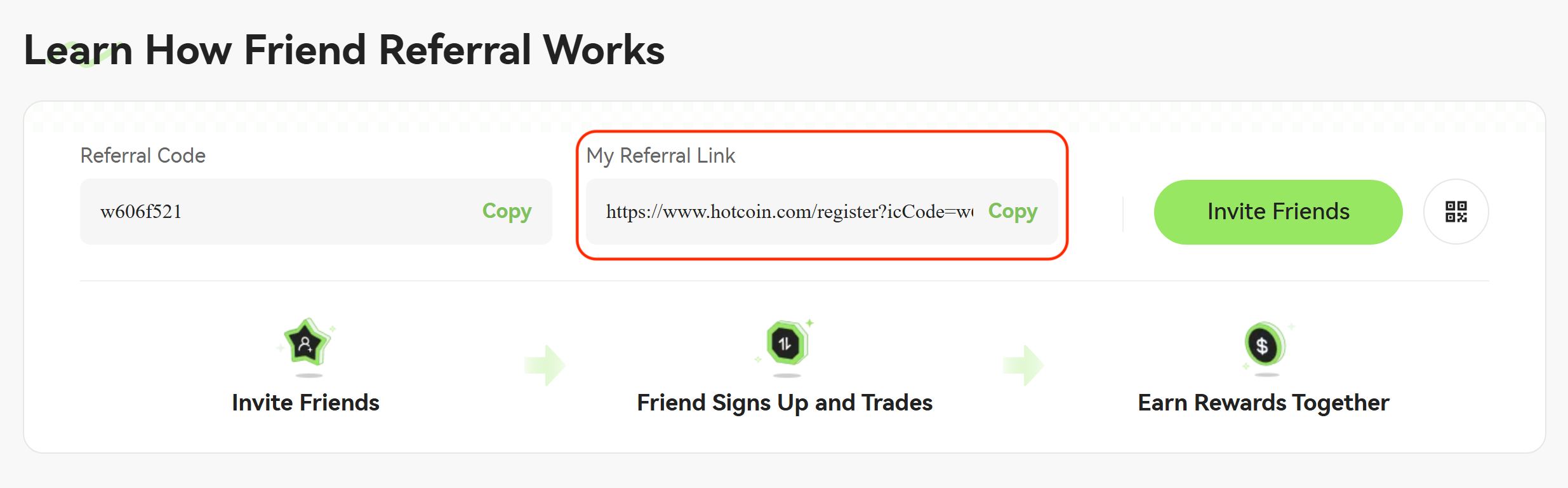
Method 2: Share Your Referral Link
Copy your referral link and send it to your friends. When they register through the link, your referral code will be filled in automatically.
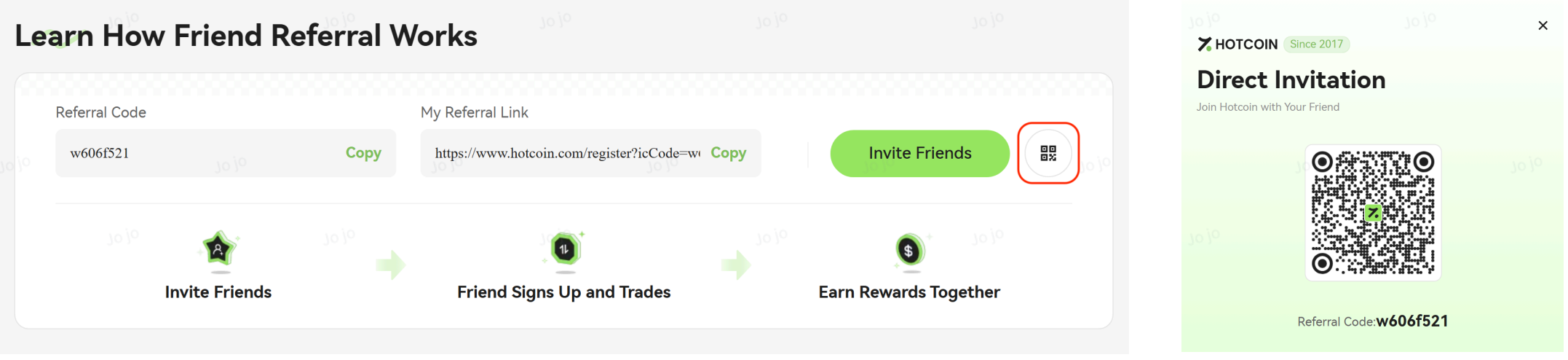
Method 3: Direct Invitation
Tap Direct Invitation to display your personal referral QR code.
Friends who scan the QR code using the Hotcoin App will be directed to the registration page with your referral code automatically applied. Users scanning the QR code with other QR code scanners will also be redirected to the registration page with the referral code automatically filled in.
Method 4: Generate a Promotional Poster
Tap Generate Poster to create a personalized referral poster that can be shared via channels such as WeChat and Moments.
3. View Referral Records and Reward Details
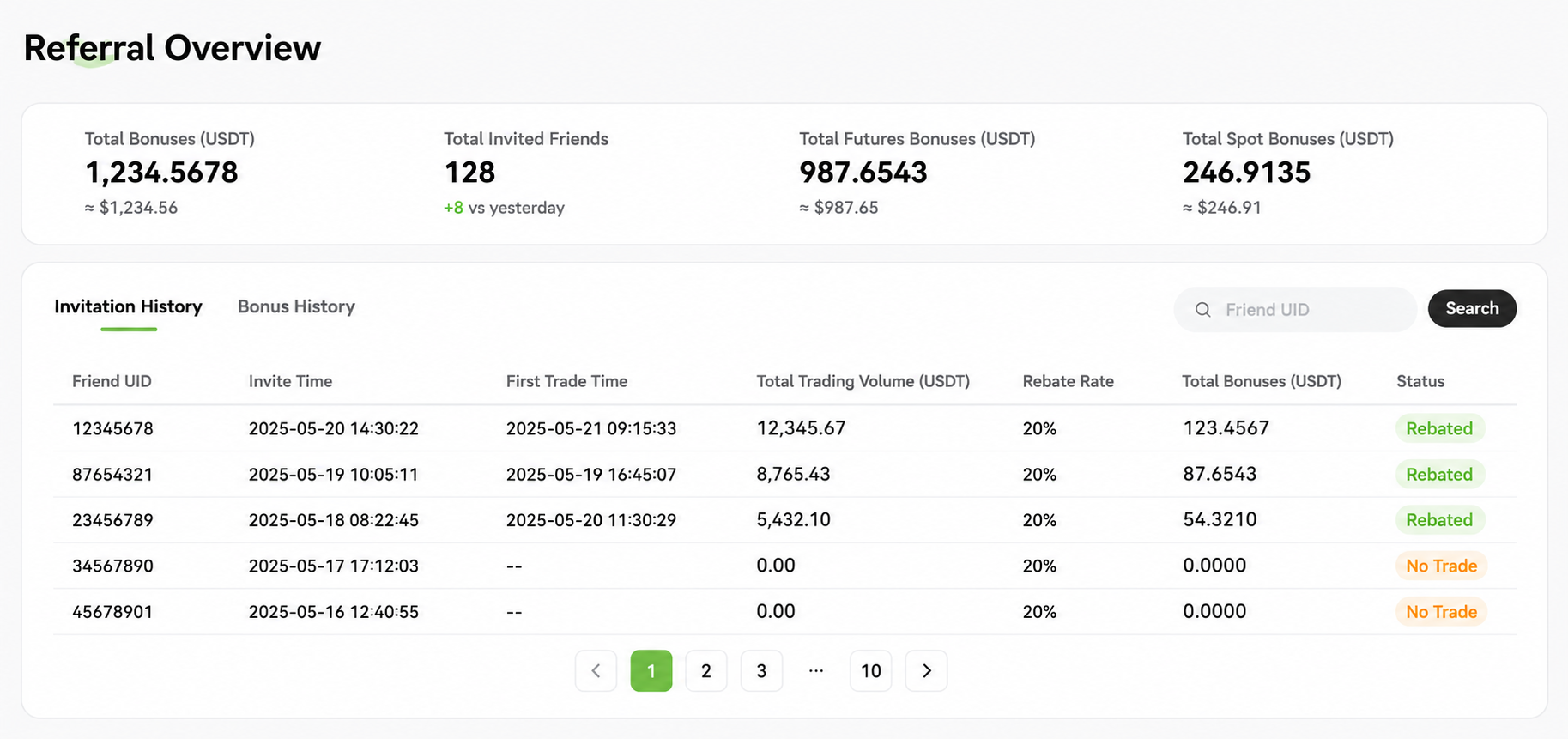
On the referral page, locate the My Referrals section and click Details to view:
- Total Referral Rewards
- Total Invited Users
- Futures Referral Rewards
- Spot Referral Rewards
Related Articles