How to Trade Spot on Hotcoin (Web)
If you have registered a Hotcoin account, follow the steps below to start spot trading.
Step 1: Access the Spot Trading Page
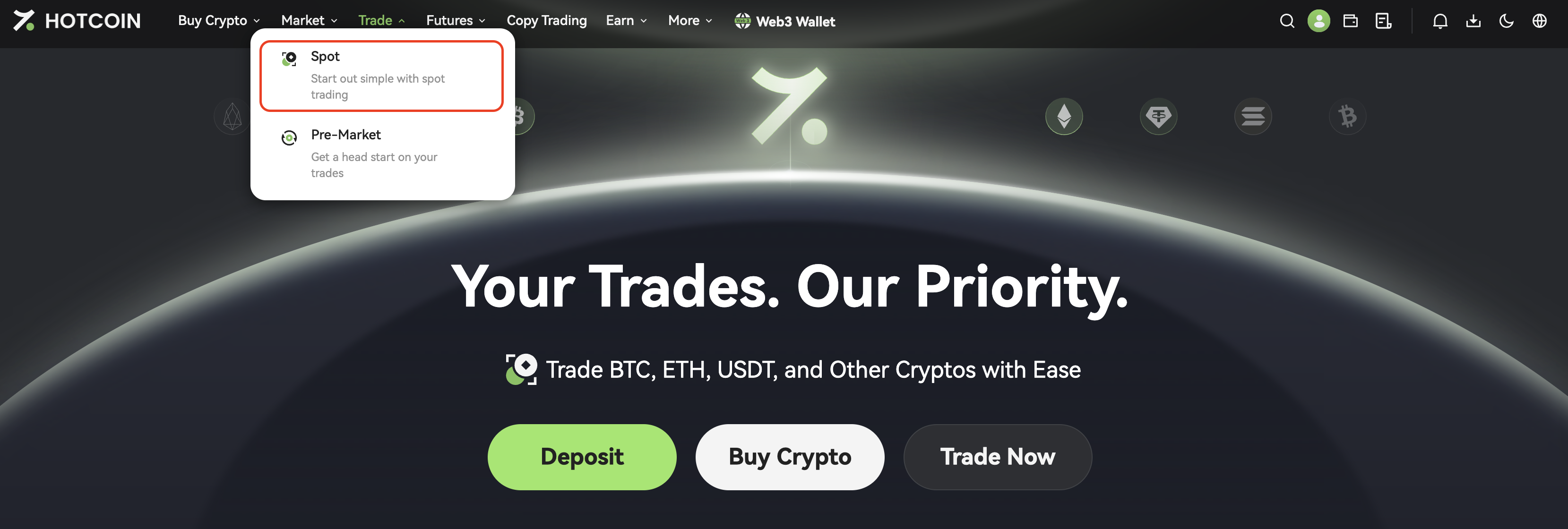
Log in to your Hotcoin account, then click Trade → Spot to enter the trading page.
Step 2: Understand the Trading Interface
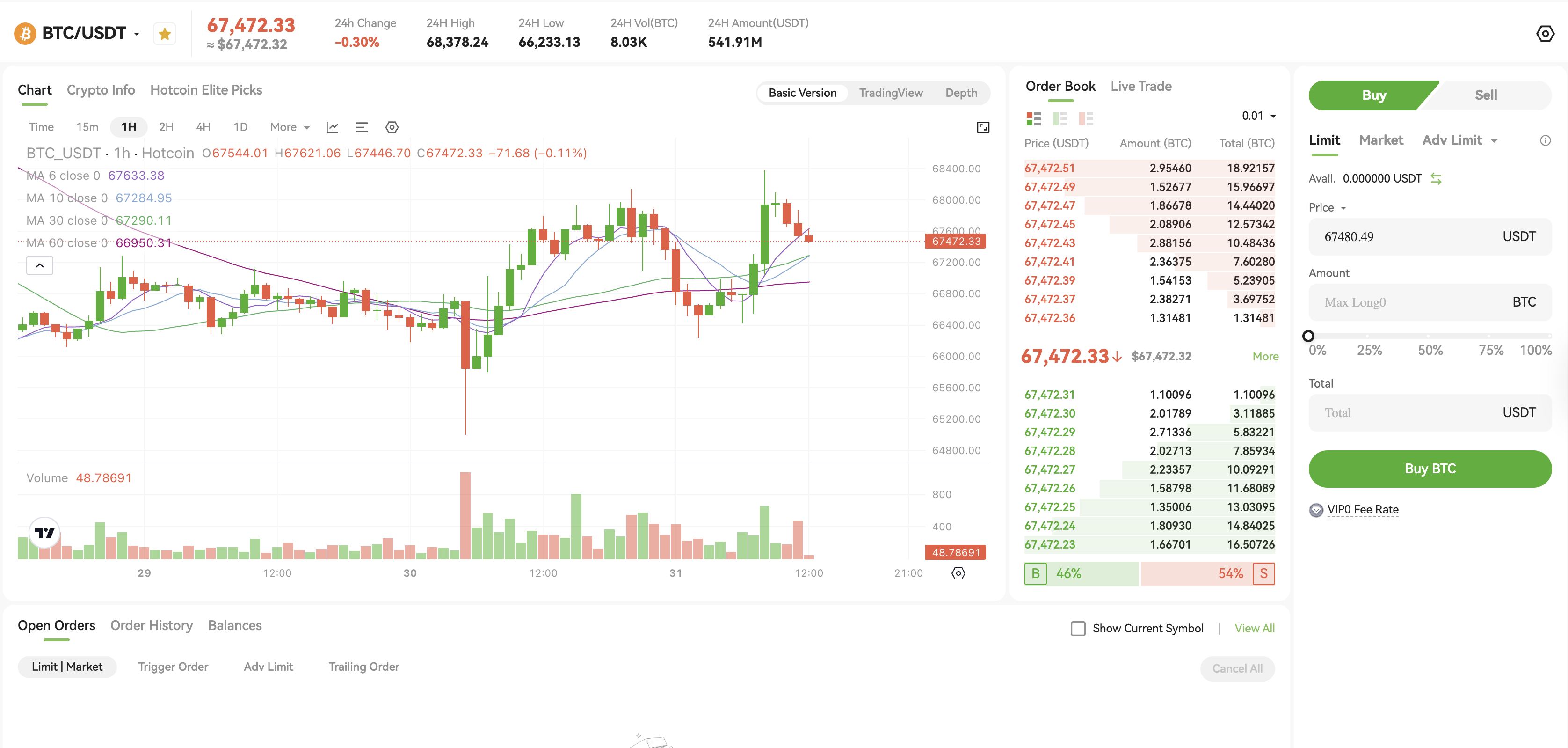
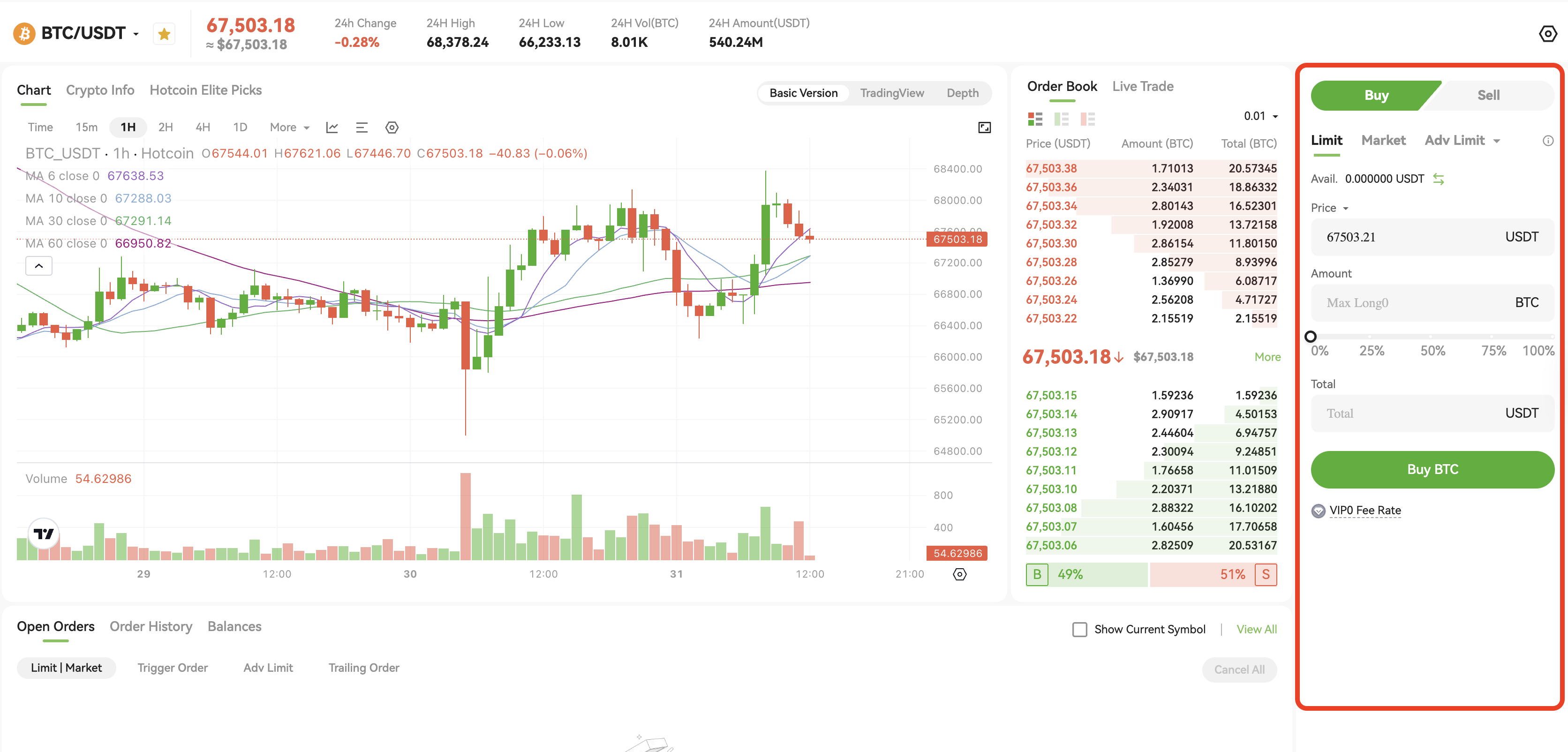
On the spot trading page, you will see the following key sections:
Step 3: Select a Trading Pair
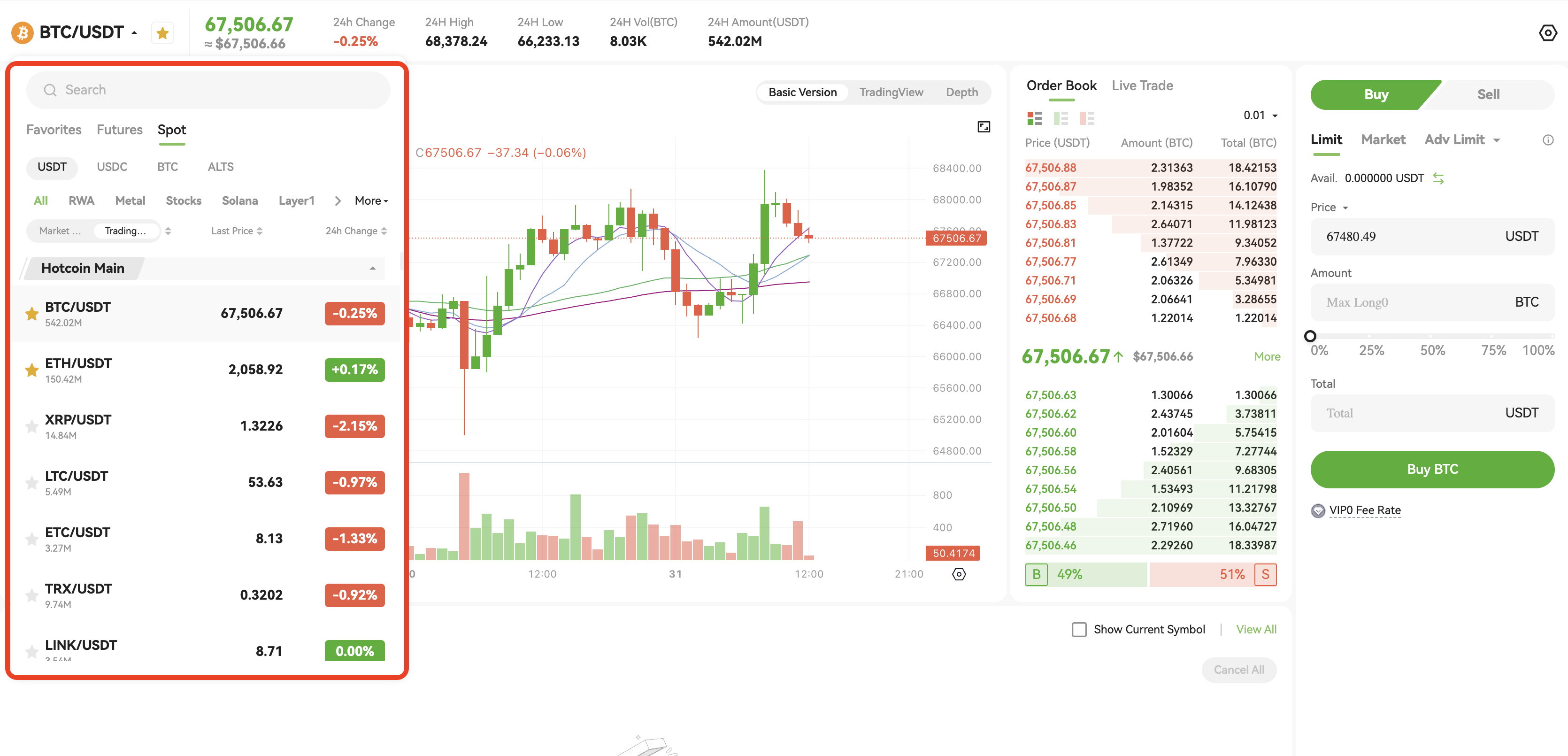
Select the trading pair you want from the top-left corner, such as BTC/USDT.
Step 4: Place an Order
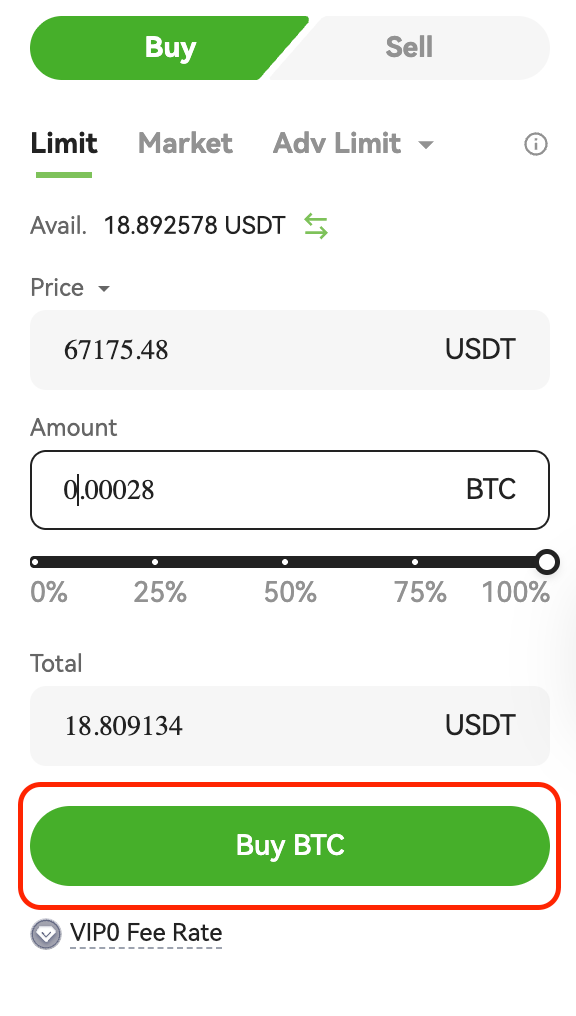
On the right side of the page, select Buy or Sell, then choose an order type:
- Limit Order: Set your desired price
- Market Order: Execute immediately at the best available market price
- Advanced Limit Order: Supports multiple order options (e.g., Post Only, FOK, IOC)
👉 Learn more: What Are Market Orders, Limit Orders, and Advanced Limit Orders?
Enter the price and quantity, or use the slider to select a percentage of your account balance.
Step 5: Confirm the Order
Click Buy BTC or Sell BTC to complete the order.